

Samsung Galaxy AI is bringing intelligent features into everyday working life, but for most businesses the important question isn’t what AI can do — it’s whether it can actually make your working day easier.
Samsung’s Galaxy AI brings a growing collection of intelligent tools directly to Galaxy devices, designed to help with everything from communication and searching to organising information and getting everyday tasks done more quickly.
Some features will be more useful to you than others, so rather than throwing a long list of AI terminology at you, we’ve picked out the ones we think could genuinely earn their place in your working day.
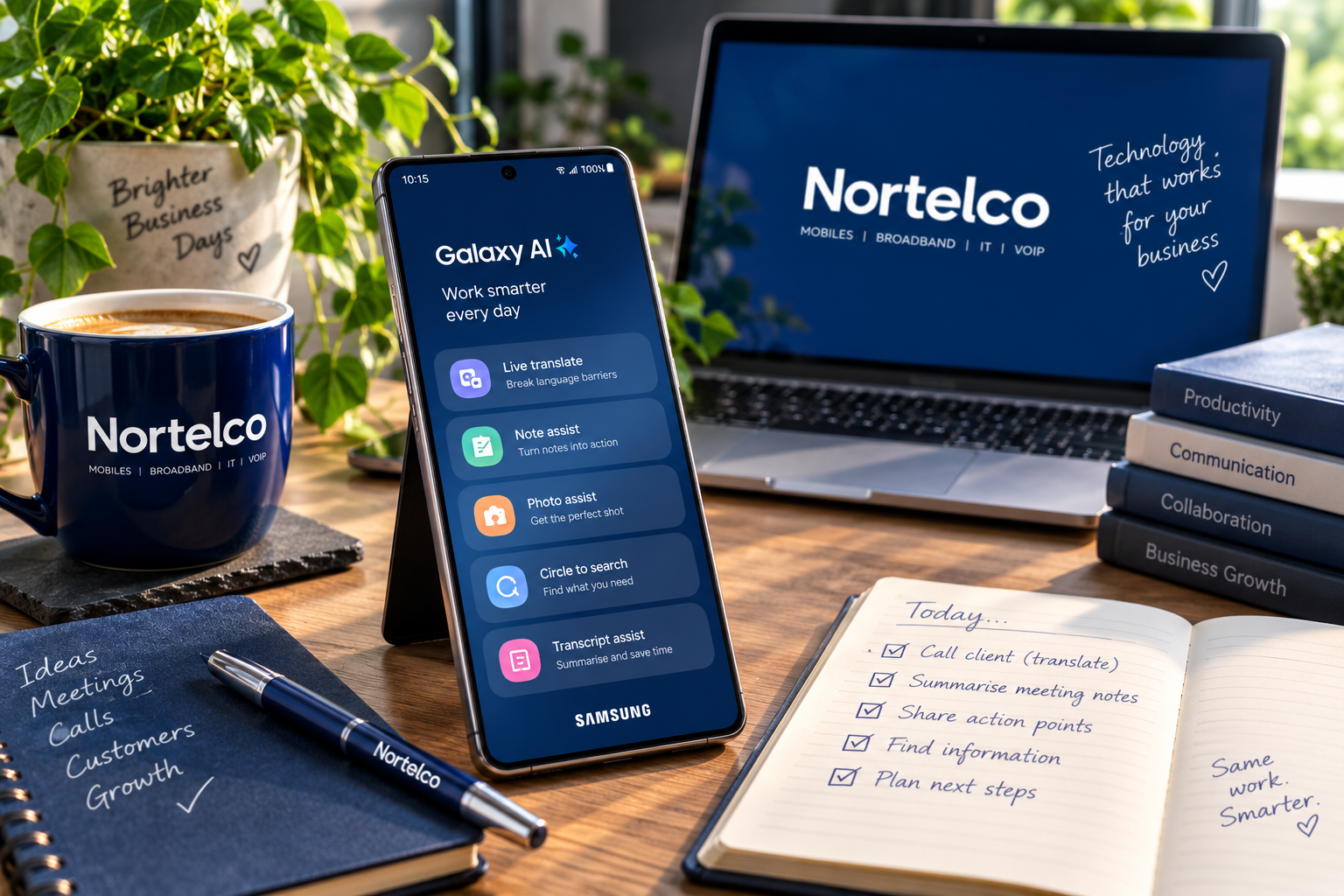
Live Translate: making conversations easier
When business takes you beyond the UK, language differences can make even a simple conversation more complicated. Samsung’s Live Translate can provide real-time translation during supported calls, helping you communicate with customers, suppliers and colleagues who speak another language.
It won’t replace the human touch, but for quick conversations when you’re working on the move, it could be an incredibly useful tool to have in your pocket.
Note Assist: turn scribbles into something useful
Meetings, ideas and action points have a habit of piling up quickly. Samsung’s Note Assist can help organise and summarise notes, making it easier to pull out the important information without having to read through everything again.
For a busy working day, that could mean turning a page of meeting notes into a useful summary, identifying the key points and getting to the actions that actually need doing — while they’re still fresh in your mind.
Transcript Assist: less listening back, more getting on
Voice recordings can be useful for capturing meetings, interviews or ideas on the move — but finding the time to listen back to them is another matter.
Samsung’s Transcript Assist can transcribe supported recordings into text and help create summaries, making it much easier to revisit a conversation and pick out the important points afterwards.
For busy teams, that could mean less time replaying recordings and more time acting on what was actually discussed.
Circle to Search: when you know what you mean, but not what it’s called
Sometimes you spot something on your screen and want to know more about it without stopping what you’re doing to open a browser and work out what to search for.
With Circle to Search, you can circle, highlight or tap something on your screen and search for information about it there and then. It could be a product in an image, a place, an unfamiliar term or something a customer has sent you.
It’s a small feature, but it’s exactly the sort of shortcut that can save a little time several times a day — and those minutes soon add up.
Clever technology is only useful if it works for you
AI features are developing quickly, but that doesn’t mean you need every new feature — or the most expensive handset — to get the right mobile setup for your business.
At Nortelco, we’ll help you look beyond the specification sheet and choose the Samsung device, tariff and business mobile package that actually suits the way you work.
The clever bit is the technology. The important bit is making sure it’s right for you.